How to Factory Restore SoundStation IP 7000
Document by Ahmedur Rahman 7/14/2019
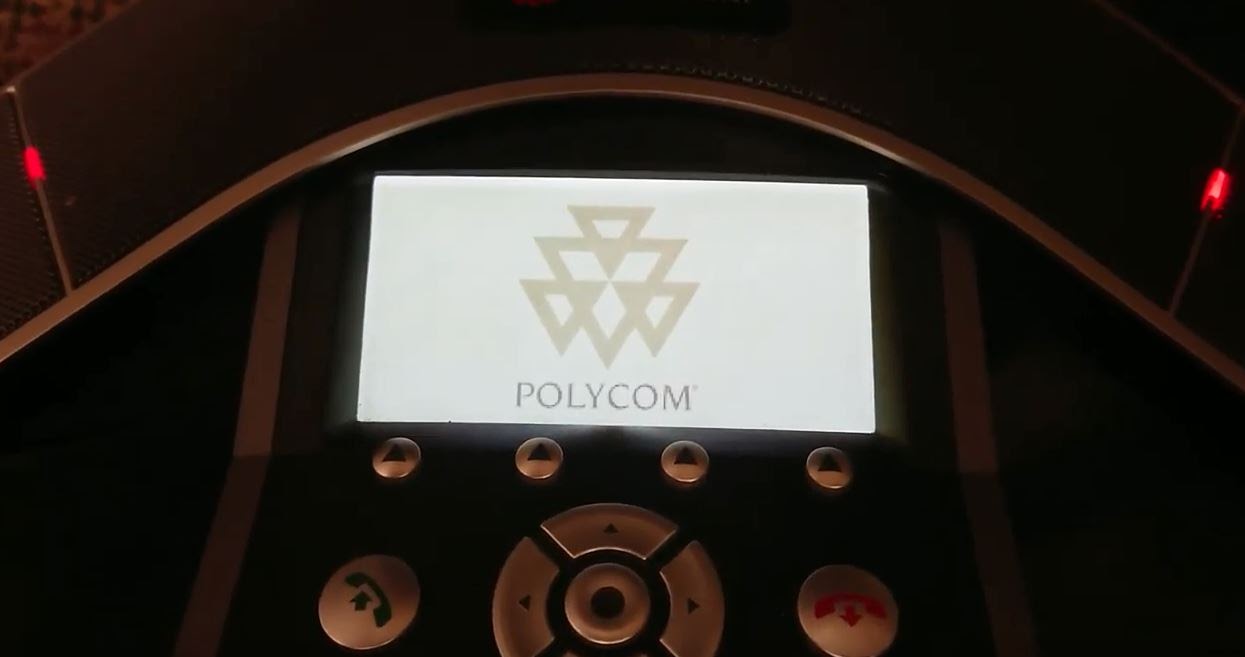
- Reboot the phone, if the phone is already on, you will see the Polycom symbol below.
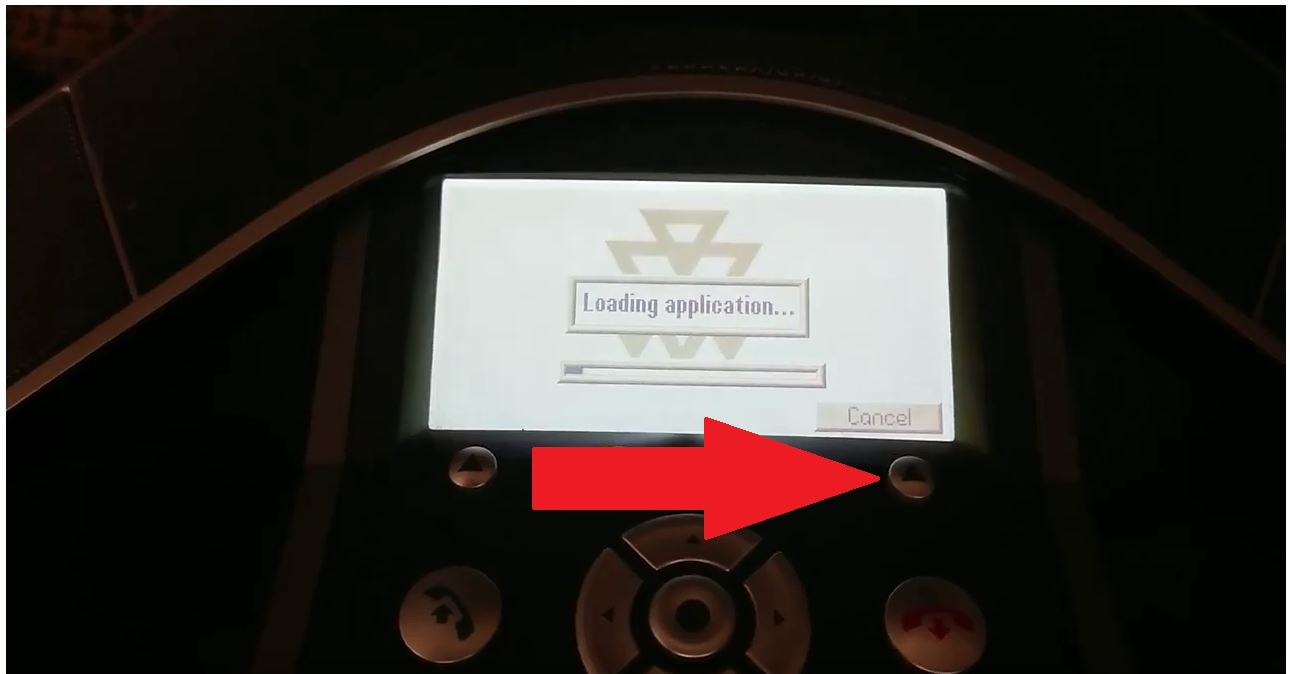
- When you see the loading application hit Cancel.
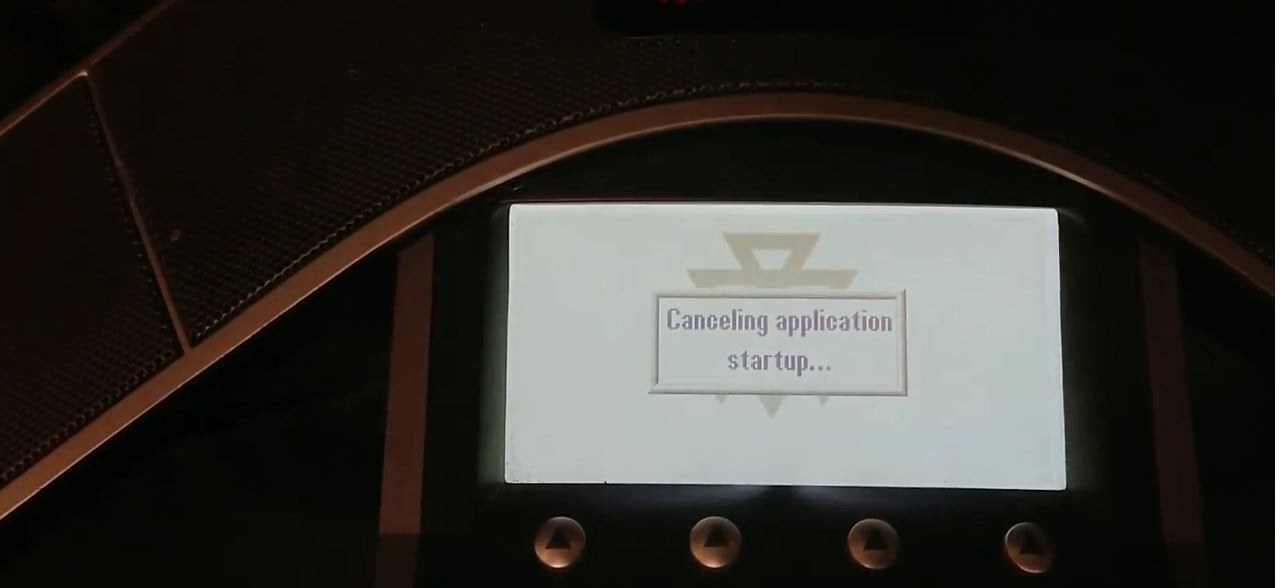
3. You will then see the Canceling Application startup prompt show up. Be prepared to take action as there will be a 5 second timer on the next screen.
4. During this screen as the timer shows up. Hold down 1,3,7 and 5 at the same time.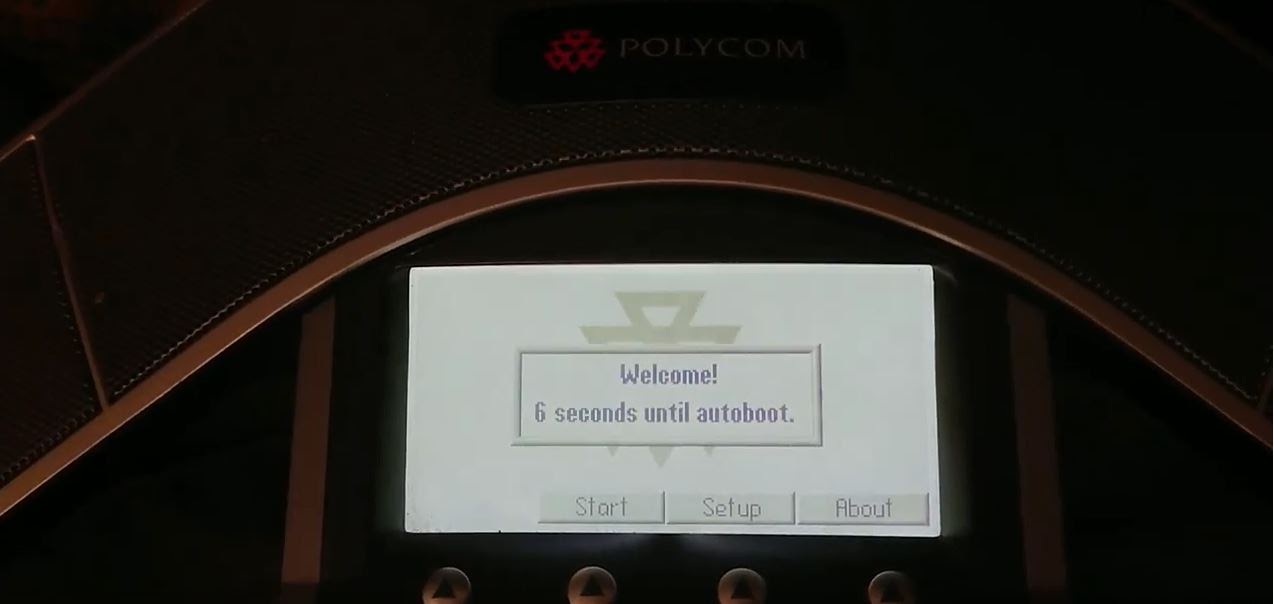
5. You will now see the screen where it asks you to enter a password. The password you need to enter is the MAC/Serial address for the phone which can be found on the back of the phone. 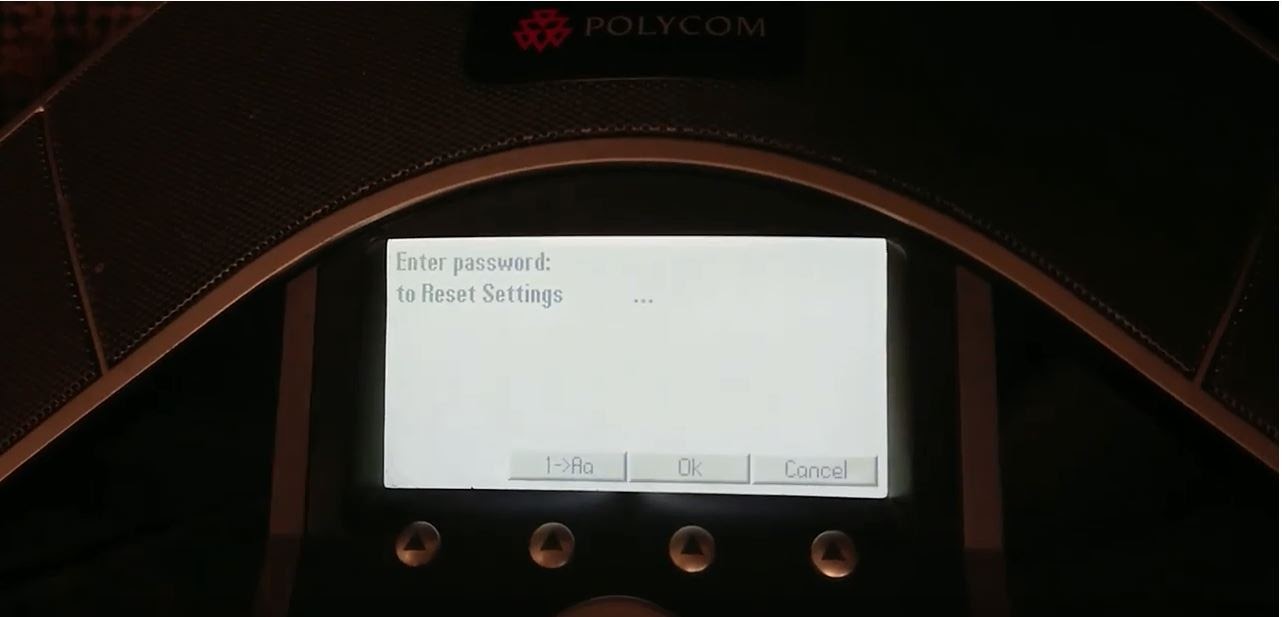
*Please note when entering the digits and alphabets the screen may not display anything or stars (***)
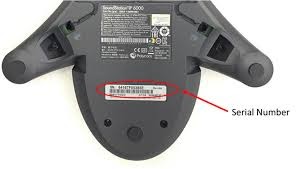
The MAC/Serial Address is Alpha-Numeric to switch from number to alphabet on the keypad you will hit the 1 -> Aa button you’ll see the number swap with the alphabet, as you press the button.
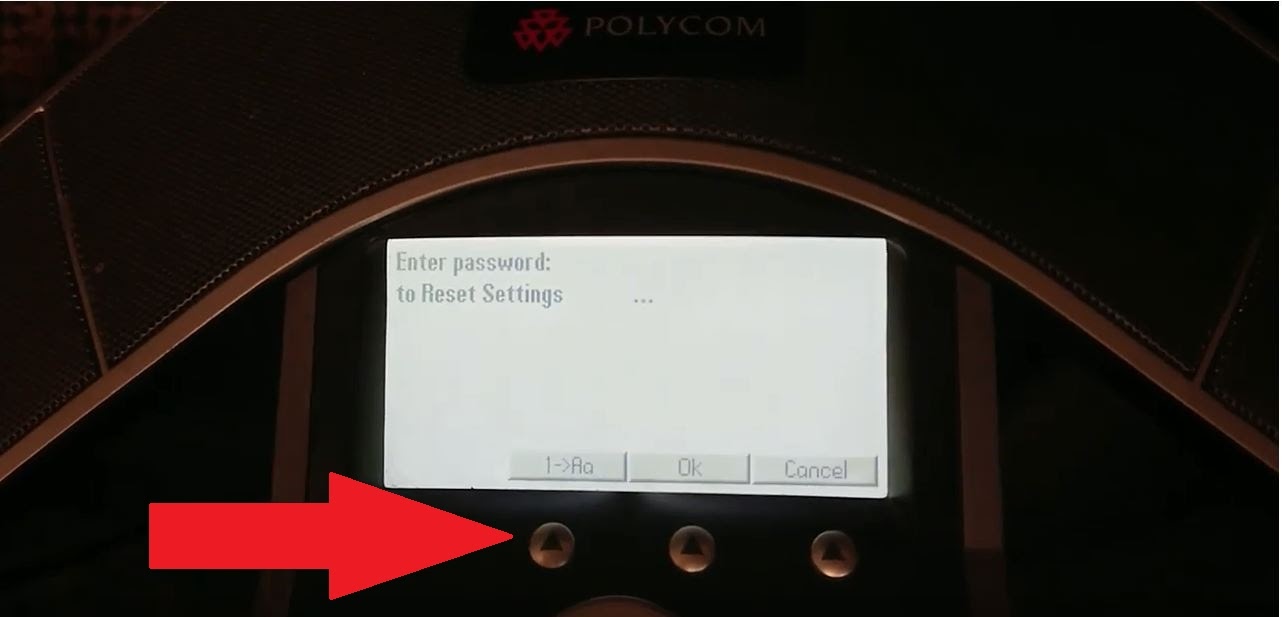
Once this process is completed, and the password was entered correctly, The phone will reboot and go through the configuration process.